给 Windows 升级 Windows PowerShell 版本
前言
本文以 Windows 7 SP1 为例
以下的 Microsoft Learn 链接已失效,请按需从 Microsoft 下载:
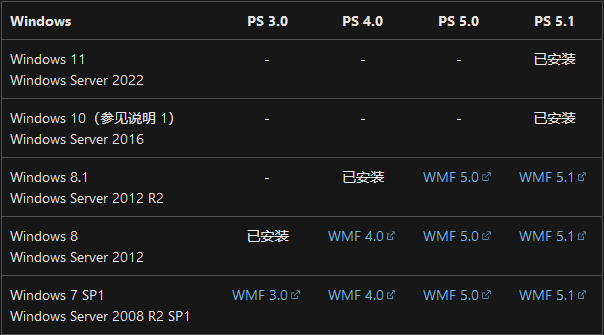
WMF 3.0 | WMF 4.0 | WMF 5.0 | WMF 5.1 | KB968930 (XP/Vista)
下载必要组件
以 WMF 5.1 为例,从 Microsoft Learn 的 Windows 7 SP1 和 Windows Server 2008 R2 SP1 的部分,选择 WMF 5.1 点开
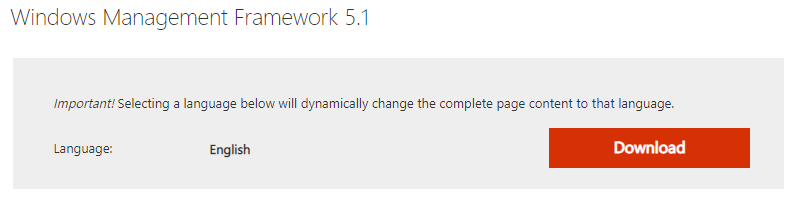
在新标签页中点击“Download”
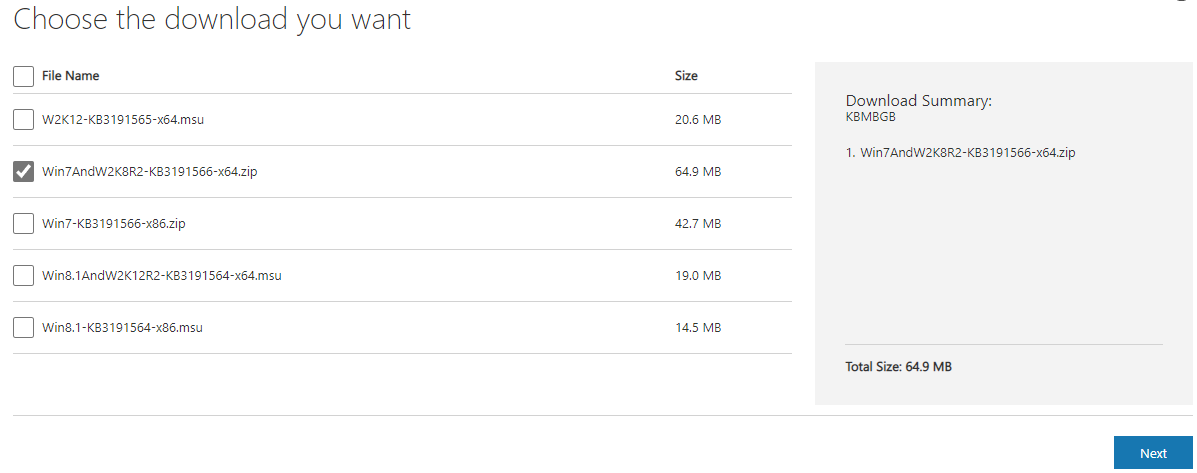
然后选择 Win7AndW2K8R2-KB3191566-x64.zip(W2K12 是 Windows Server 2012,W2K12R2 是 Windows Server 2012 R2)
安装
打开下载好的 Win7AndW2K8R2-KB3191566-x64.zip,把 Win7AndW2K8R2-KB3191566-x64.msu 解压出来并安装
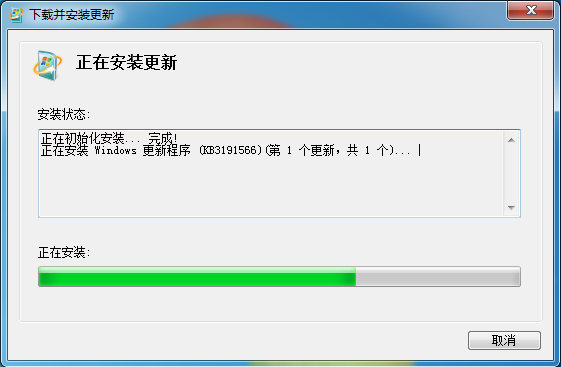
完成后点击“立即重新启动”
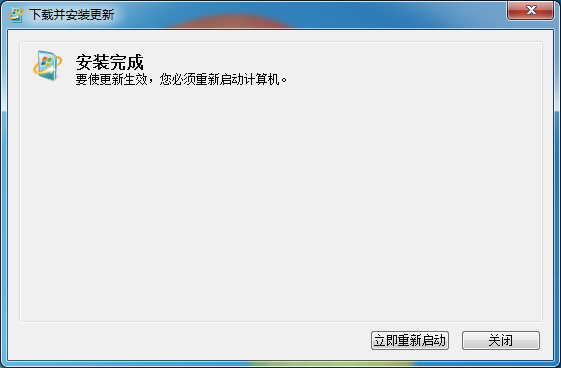
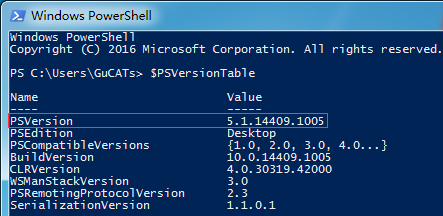
重启后 Windows PowerShell 版本就升级了,在 Windows PowerShell 中输入
1 | $PSVersionTable |
即可看到 Windows PowerShell 的版本号
后记
或者你也可以直接在 GitHub 上下载最新的 PowerShell
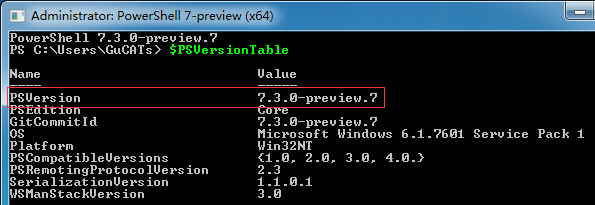
能不能用是另一回事(小声